Signs Your Phone Battery Needs Replacement
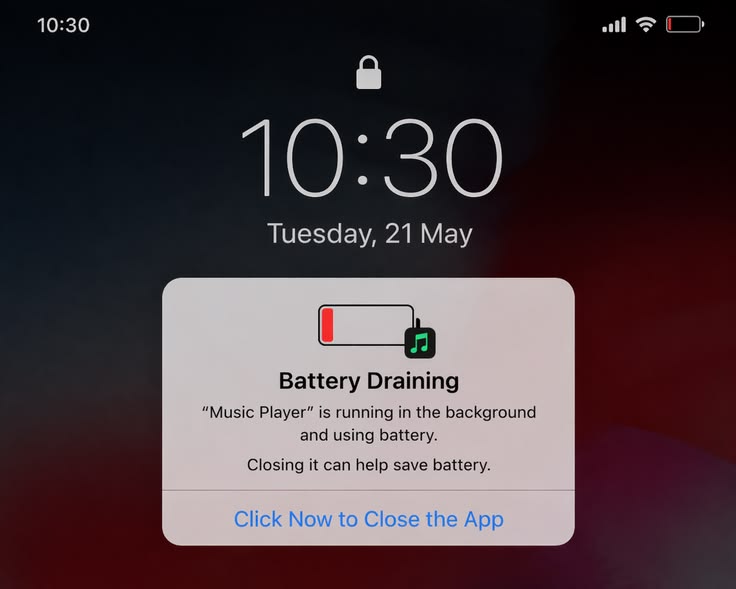
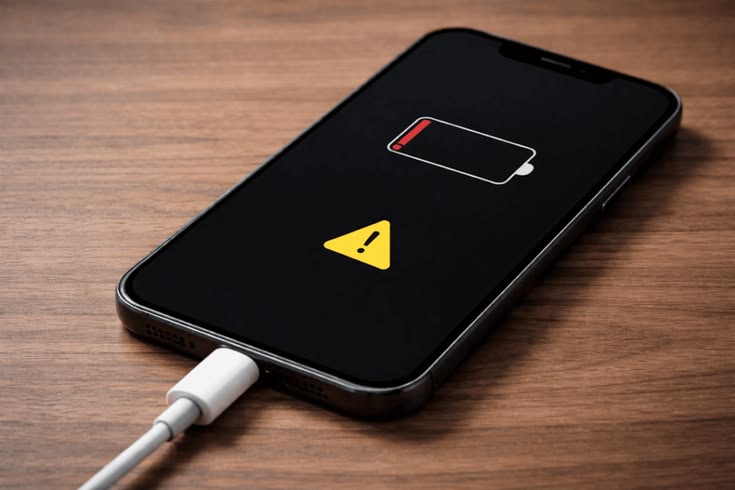
Your smartphone battery plays a major role in your device’s overall performance. Over time, batteries naturally lose their ability to hold a charge, leading to frustrating issues like rapid battery drain, overheating, and unexpected shutdowns.
If your phone no longer lasts through the day or behaves unusually while charging, it may be time for a battery replacement. Here are the most common signs to watch for.
Battery Drains Too Quickly
One of the earliest signs of battery wear is fast battery drain. If your phone’s battery percentage drops rapidly even with minimal use, the battery capacity may have deteriorated.
For example:
Fully charged battery drops to 50% within a few hours
Battery drains overnight without heavy usage
Apps consume unusually high power
While software issues can sometimes cause battery drain, an aging battery is often the main reason.
Your Phone Shuts Down Unexpectedly
Does your phone suddenly switch off even when the battery shows 20% or 30% remaining?
This happens when the battery can no longer deliver stable power to the device. Unexpected shutdowns are a strong indication that the battery is failing and struggling to maintain voltage levels.
Device Overheating
A slightly warm phone during gaming or charging is normal, but excessive heat is not.
A damaged or aging battery may cause:
Overheating during charging
Heat buildup during normal use
Slower device performance due to thermal throttling
Ignoring overheating issues can affect internal components and reduce your device’s lifespan.
Slow Charging or Charging Issues
If your phone takes much longer to charge than before, the battery could be weakening.
Common charging-related symptoms include:
Charging stuck at a certain percentage
Frequent charging interruptions
Battery percentage jumping suddenly
Phone only charging at certain angles
Before replacing the battery, it’s also important to check the charger and charging port for damage.
Battery Swelling
Battery swelling is a serious issue and should never be ignored.
Signs of a swollen battery include:
Screen lifting from the frame
Back panel bulging outward
Device feeling thicker than normal
A swollen battery can become dangerous if punctured or overheated. Stop using the device immediately and seek professional repair assistance.
Reduced Overall Performance
Many smartphones automatically reduce performance when battery health declines to prevent unexpected shutdowns.
You may notice:
Apps opening slowly
Lagging or freezing
Reduced gaming performance
Delayed response times
Replacing the battery can often restore smoother performance and improve daily usability.
Your Battery Health Is Low
Most modern smartphones allow users to check battery health.
For example:
On iPhones: Settings → Battery → Battery Health
On Android devices: Battery health apps or device diagnostics
If your battery health falls below 80%, replacement is generally recommended for better performance and reliability.
How Long Does a Phone Battery Last?
Most smartphone batteries are designed to last around 2–3 years or approximately 500 charging cycles before noticeable degradation begins.
Battery lifespan can vary depending on:
Charging habits
Usage intensity
Heat exposure
Charging accessories used
Using original or high-quality chargers can help extend battery health.
Why Professional Battery Replacement Matters
Replacing a phone battery requires proper tools and technical expertise. Professional repair services ensure:
Safe battery installation
Quality replacement parts
Proper device sealing
Reduced risk of internal damage
DIY battery replacements without experience can damage the screen, connectors, or motherboard.